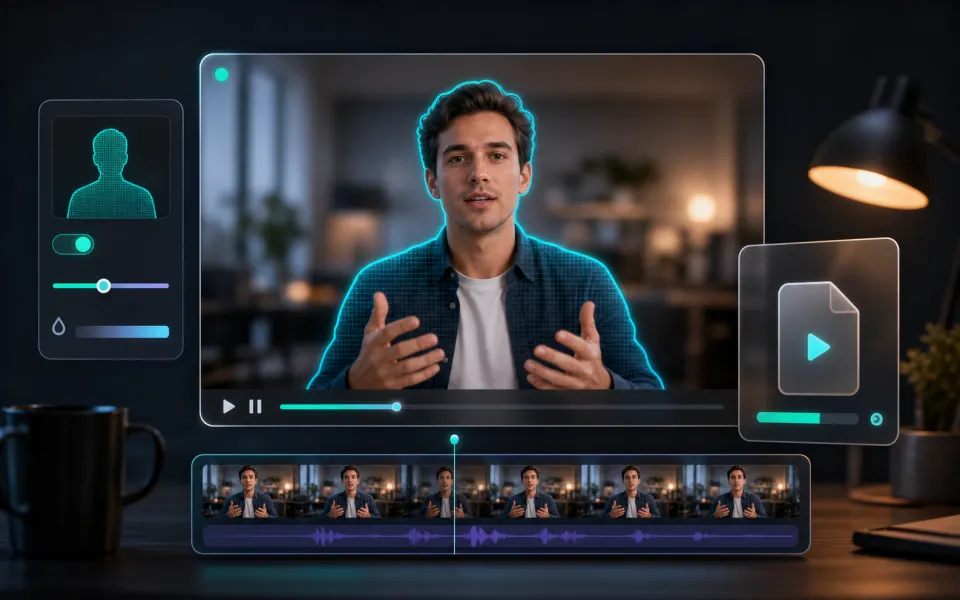
Automatic face detection
MediaPipe scans video frames and tracks visible face boxes for quick privacy edits.
Browser video tool
Automatically detect faces in a video, apply a soft privacy blur, and export an MP4 locally without uploading the file.
Choose a video, then ArtPlayer will scan the preview frame for faces.
Three steps to finish the browser workflow.
Choose the source file for Blur Face from your device.
Review the preview and tune the options for the result you want.
Check the finished result, then download the exported file.
Core details about privacy, browser support, output, and practical limits before you start.
MediaPipe scans video frames and tracks visible face boxes for quick privacy edits.
Detected faces are expanded and blurred frame by frame before the MP4 is encoded.
The video is processed in your browser with MediaPipe, Mediabunny, WebCodecs, and canvas rendering.
Find quick answers about privacy, browser support, exports, and what to try when a file is heavy.
This browser tool processes the selected media locally on this device. The file is not uploaded to ArtPlayer servers for this workflow.
No. ArtPlayer browser tools do not add watermarks to exported files.
The work runs in your browser, so speed depends on your device, browser, memory, source size, and the export settings needed for the result.
Recent Chrome, Edge, and other modern Chromium browsers usually work best for heavier browser media processing.
Try a smaller source, close other heavy tabs, reduce resolution or duration first, and keep the tab open until the export finishes.
The page detects faces in video frames with MediaPipe, expands each box slightly, and burns a soft blur into the exported MP4.
Yes. It is designed for quick local face privacy edits, but review the result before sharing because detection can miss faces in motion or side profiles.
Yes. Face privacy work is handled in the browser so the selected video is not uploaded for this workflow.
Yes. Always preview the result to make sure every face or sensitive area is covered.
Continue editing with nearby ArtPlayer tools that work with the same local, browser-first workflow.

Cookie choices
ArtPlayer uses necessary cookies for app security and preferences. Optional analytics and advertising cookies only run when you allow them.
Cookie Policy