Damage removal
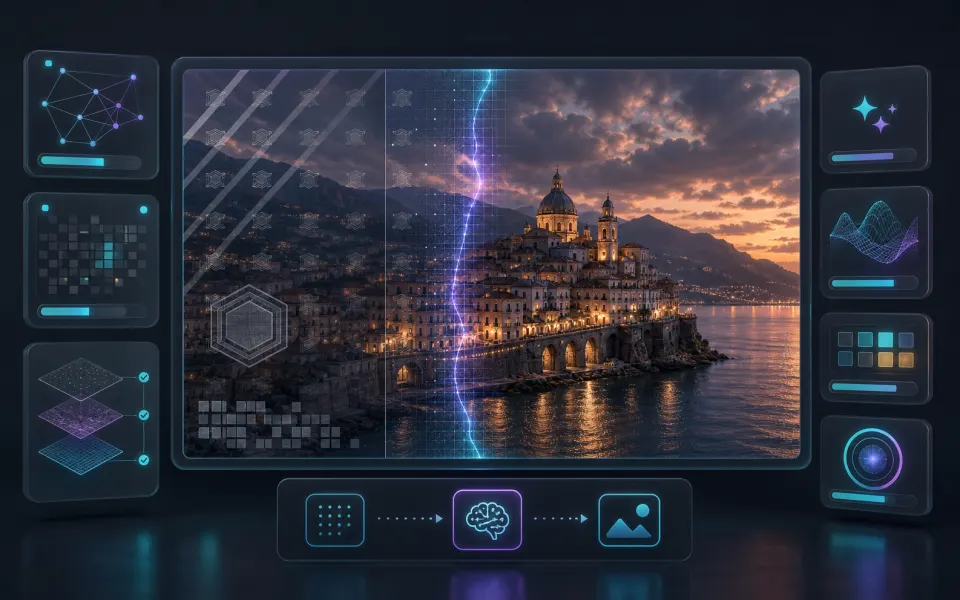
Removes scratches, stains, folds, blur, noise, and compression artifacts.
AI photo tool
Repair scratches, dust, stains, folds, blur, and faded color with cloud AI, and optionally colorize black-and-white photos.
Choose how the cloud AI handles this photo.
Choose how aggressively the AI repairs the image.
Prefer naturally restoring faces when they appear.
Three steps to finish the browser workflow.
Repair scratches, dust, stains, folds, blur, and faded color with cloud AI, and optionally colorize black-and-white photos.
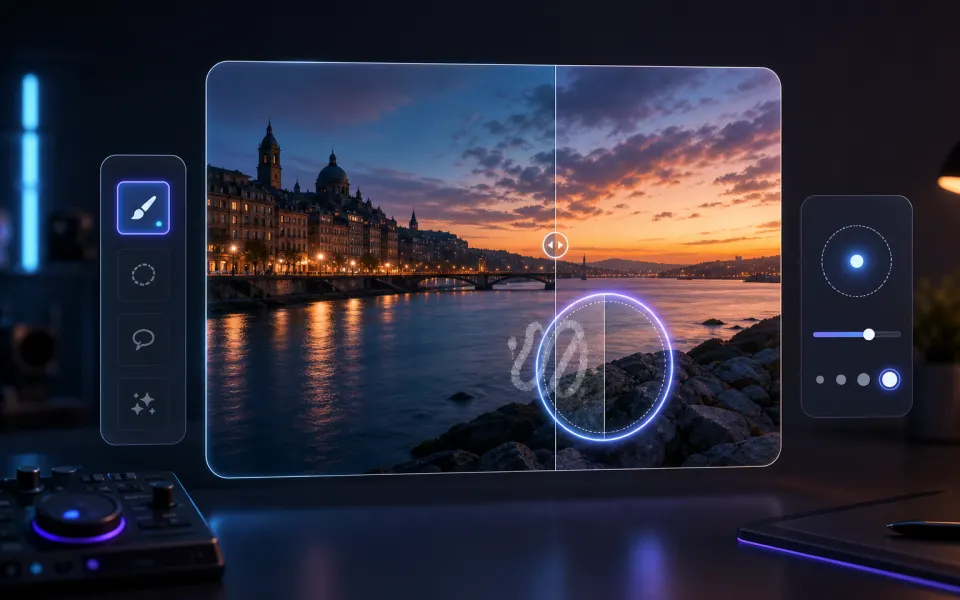
Upload an old or damaged photo, choose a repair mode, then compare and download the restored PNG.
Check the finished result, then download the exported file.
Core details about privacy, browser support, output, and practical limits before you start.
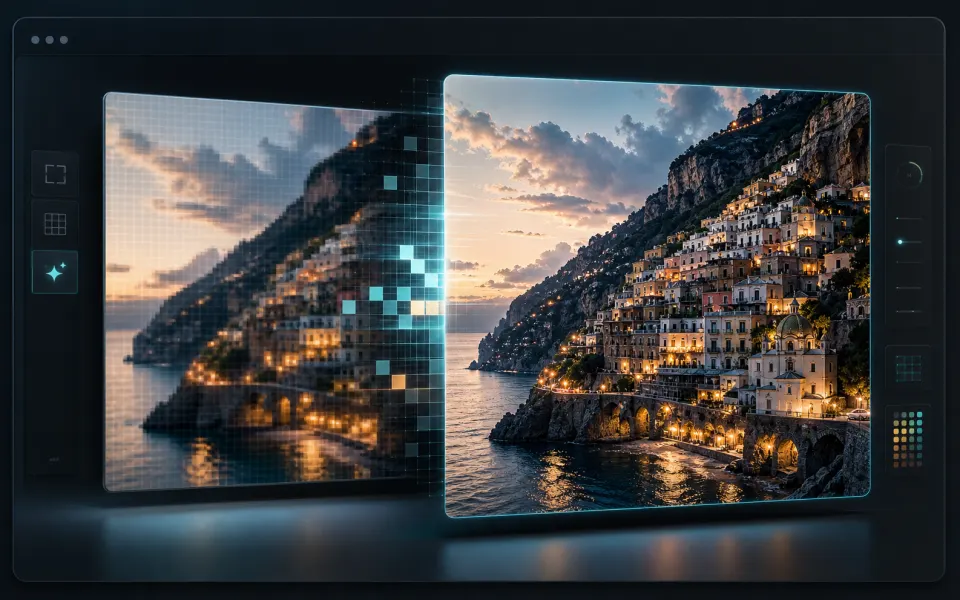
Removes scratches, stains, folds, blur, noise, and compression artifacts.
Prefer naturally reconstructing faces without changing identity.
Optionally bring realistic color back to black-and-white photos.
Find quick answers about privacy, browser support, exports, and what to try when a file is heavy.
Yes. This workflow needs AI processing outside the browser, so the page uses a provider-backed task flow instead of local-only processing.
No. ArtPlayer does not add watermarks to the downloaded result.
No regular account is required, but the tool may use short-lived sessions and quota checks to keep the service available.
Provider-backed work depends on file length, queue capacity, network conditions, and the model or service used for the result.
Tasks can fail when the file is too large, the format is unsupported, the network drops, or the provider is temporarily unavailable.
No. GPT Image 2 generates plausible replacement detail and may not reproduce the original pixels that are damaged or missing.
Colorization is a realistic estimate based on the image content, so colors may not match historical facts exactly.
Photos with scratches, stains, folds, blur, noise, or faded color work best, and faces usually benefit the most from repair.
Yes. The photo is sent to the cloud AI provider for repair and colorization. Do not upload sensitive content.
Yes. The free cloud quota covers 10 photos per hour and 20 per day without an account.
Continue editing with nearby ArtPlayer tools that work with the same local, browser-first workflow.
Cookie choices
ArtPlayer uses necessary cookies for app security and preferences. Optional analytics and advertising cookies only run when you allow them.
Cookie Policy