Microphone capture
Record voice notes, narration, lessons, or quick audio drafts with the browser permission prompt.
 Artplayer
Browser recording tool
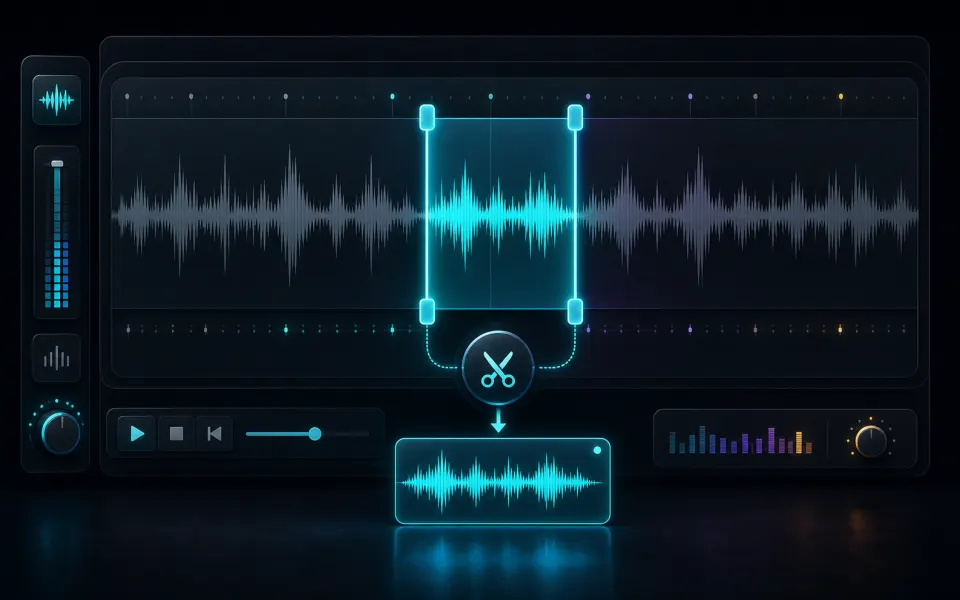
Record microphone audio in the browser with a live level meter, pause and resume controls, and local WebM or WAV download.
Ready for a voice note
Choose a format, press record, and approve microphone access when the browser asks.
Artplayer AIThree steps to finish the browser workflow.
Choose the source file for Voice Recorder from your device.
Review the preview and tune the options for the result you want.
Check the finished result, then download the exported file.
Core details about privacy, browser support, output, and practical limits before you start.
Record voice notes, narration, lessons, or quick audio drafts with the browser permission prompt.
Watch input level and peak movement while recording so quiet or clipped audio is easier to catch.
The audio is created in this browser and is not uploaded to ArtPlayer servers.
Find quick answers about privacy, browser support, exports, and what to try when a file is heavy.
Continue editing with nearby ArtPlayer tools that work with the same local, browser-first workflow.