Manual privacy area
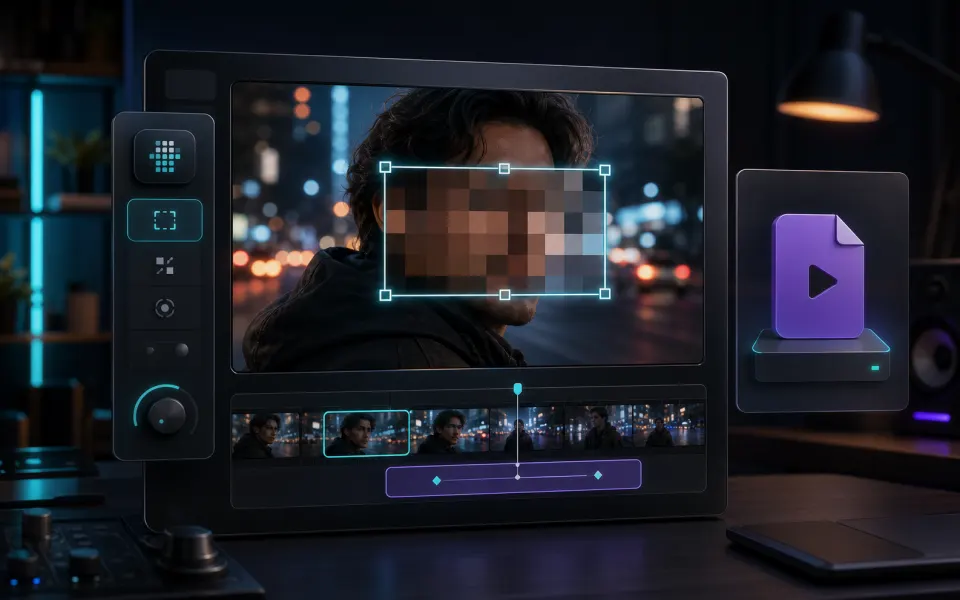
Move and resize one rectangular region for faces, plates, names, screens, or other sensitive details.
 Artplayer
Browser video tool
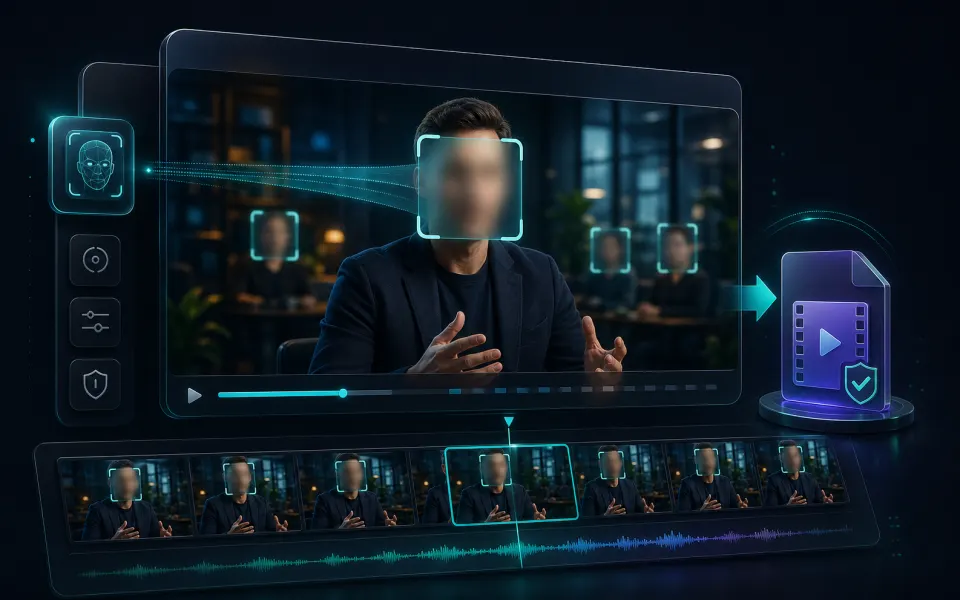
Blur part of a video online for free. Hide faces, license plates, usernames, or sensitive details and export an MP4 locally without uploading.
Artplayer AIThree steps to finish the browser workflow.
Blur part of a video online for free. Hide faces, license plates, usernames, or sensitive details and export an MP4 locally without uploading.
Drag or resize 1 privacy area on the preview.
Choose a video, place a rectangular privacy blur area over the preview, then ArtPlayer renders that specific region into a new MP4 locally.
Core details about privacy, browser support, output, and practical limits before you start.
Move and resize one rectangular region for faces, plates, names, screens, or other sensitive details.
The selected area is blurred frame by frame for a softer privacy mask.
The video is processed in your browser with Mediabunny, WebCodecs, and canvas rendering.
Find quick answers about privacy, browser support, exports, and what to try when a file is heavy.
Continue editing with nearby ArtPlayer tools that work with the same local, browser-first workflow.