Speech recognition
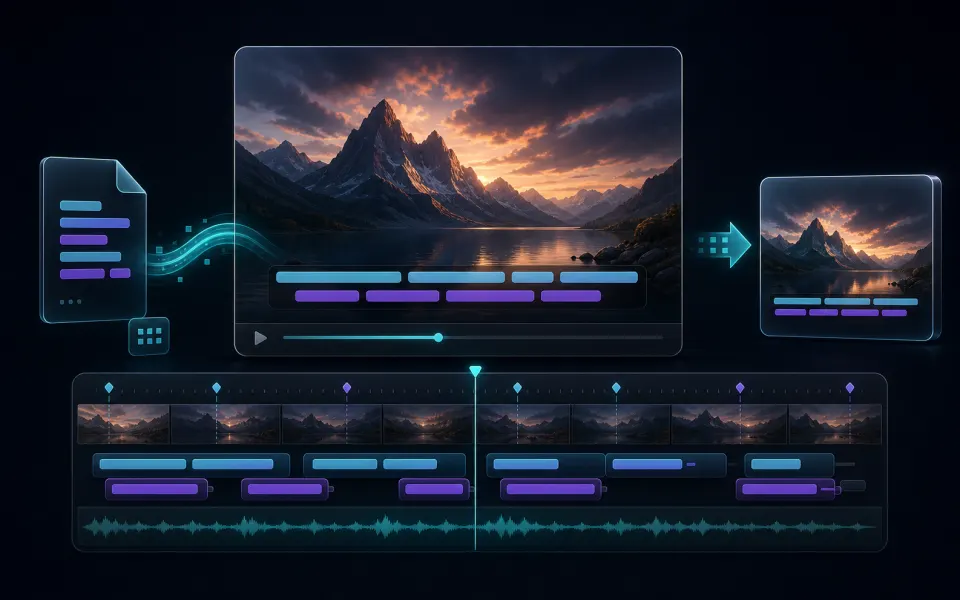
Turn video, audio, and spoken speech into timed text without forcing long media through local browser memory.
 Artplayer
AI transcript tool
Transcribe speech from audio or video into TXT, SRT, VTT, and JSON with cloud ASR.
The cloud service used by this tool is currently paused, so new files and tasks cannot be processed right now.
You do not need to upload a file. Please check back later after the service has been restored.
Artplayer AIThree steps to finish the browser workflow.
Choose the source file for Speech to Text from your device.
Review the preview and tune the options for the result you want.
Check the finished result, then download the exported file.
Core details about privacy, browser support, output, and practical limits before you start.
Turn video, audio, and spoken speech into timed text without forcing long media through local browser memory.
Download plain text, SRT, VTT, or JSON for subtitle editing, notes, and reuse.
Auto detect is available, with quick hints for Chinese, English, and Japanese media.
Find quick answers about privacy, browser support, exports, and what to try when a file is heavy.
Continue editing with nearby ArtPlayer tools that work with the same local, browser-first workflow.