01
Set the frame and duration first
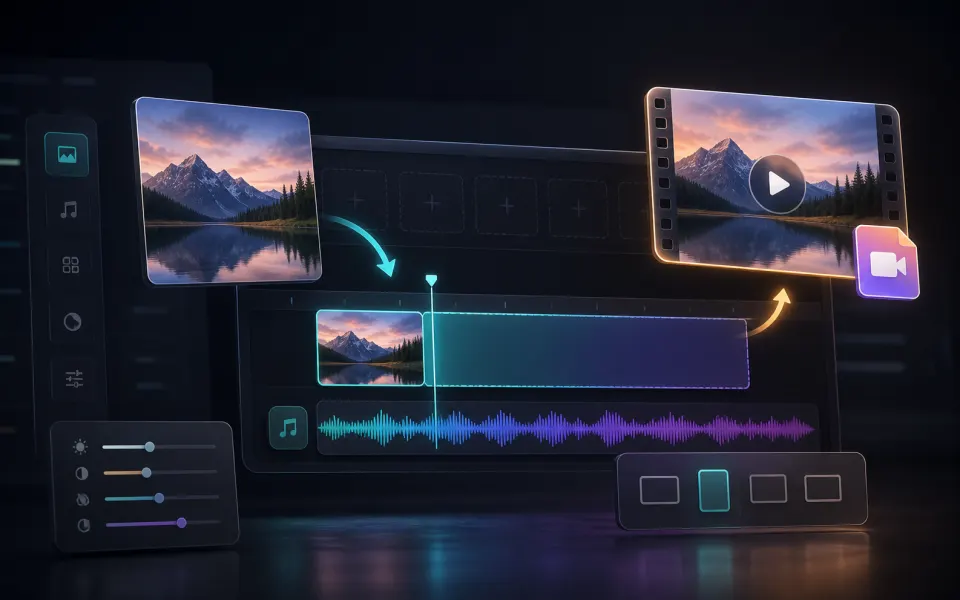
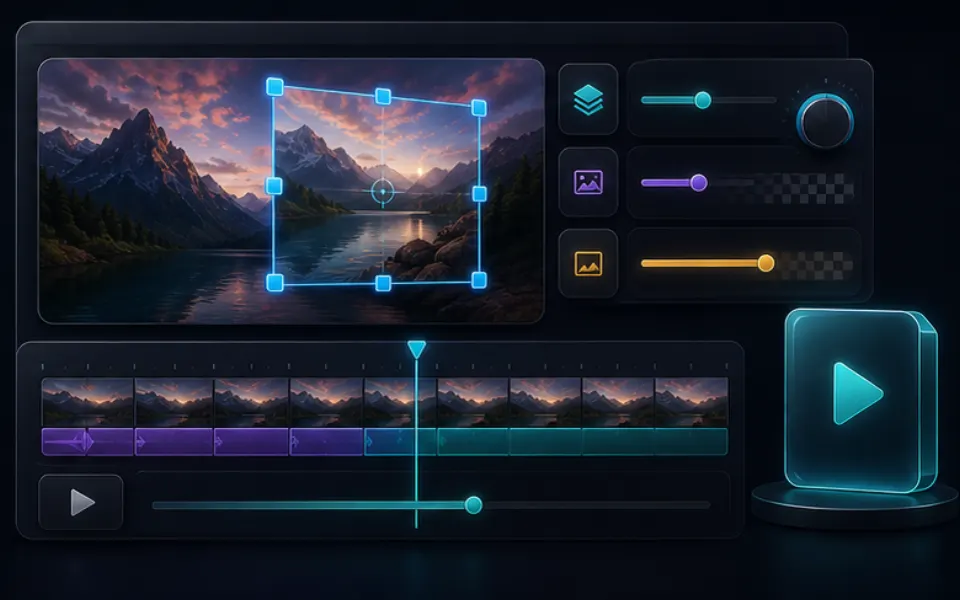
Choose an aspect ratio that matches the player or placement where the MP4 will appear. Then set how long the still image should remain visible. A brief duration works for transitions, while longer results suit announcements, music backgrounds, and presentation screens.
- Use 16:9 for widescreen video players.
- Choose a vertical or square frame for matching layouts.
- Set only the duration the still image actually needs.
02
Add audio only when it improves the result
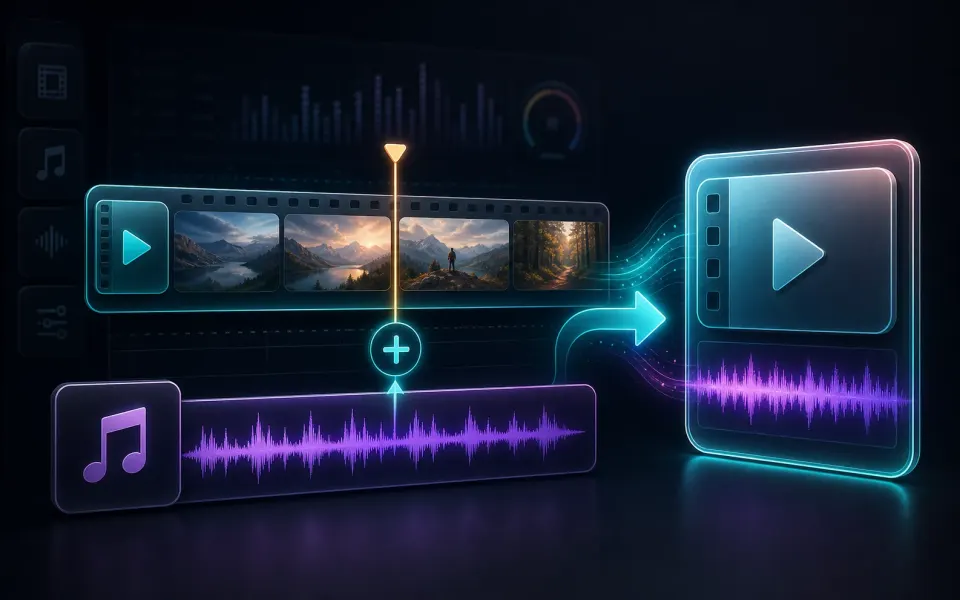
The tool can create a silent MP4 or include a selected audio file. When sound is added, check whether its duration fits the visual timeline and whether the opening and ending feel intentional. Keep the image readable and avoid stretching it into a mismatched frame.
- Leave audio empty when a silent video asset is required.
- Match the MP4 duration to the useful part of the soundtrack.
- Preview the exported resolution, playback, and audio before sharing.