Local image processing
Local AI keeps the selected image on this device during upscaling.
 Artplayer
Browser image tool
Enhance JPG, PNG, and WebP images with GPT Image 2 cloud AI or private local Real-ESRGAN.
Artplayer AIThree steps to finish the browser workflow.
Choose the source file for AI Image Upscaler from your device.
Review the preview and tune the options for the result you want.
Check the finished result, then download the exported file.
Core details about privacy, browser support, output, and practical limits before you start.
Local AI keeps the selected image on this device during upscaling.
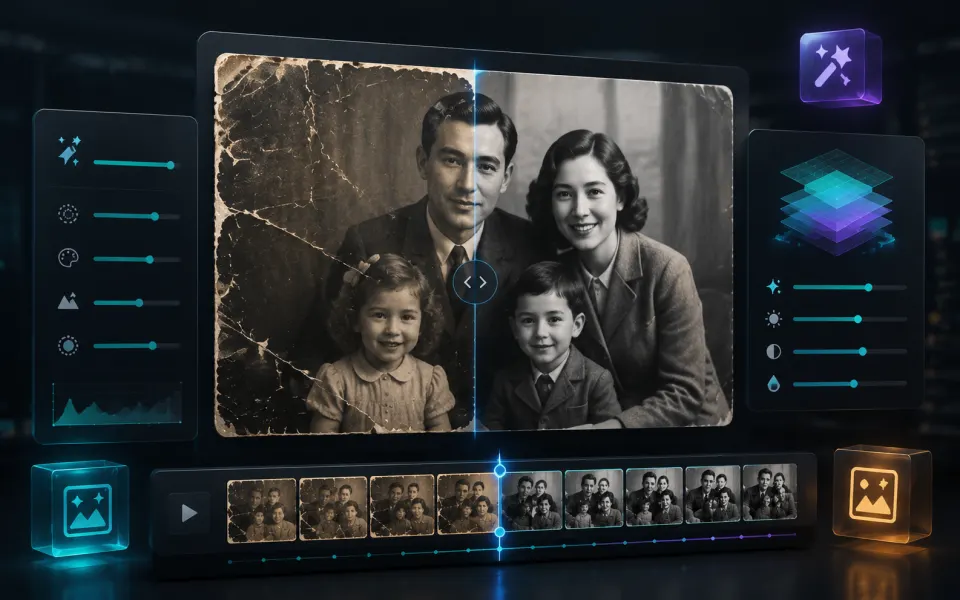
Cloud AI can restore natural-looking detail, reduce artifacts, and improve perceived clarity.
Use the recommended cloud mode for generative quality or switch to local mode for maximum privacy.
Find quick answers about privacy, browser support, exports, and what to try when a file is heavy.
Continue editing with nearby ArtPlayer tools that work with the same local, browser-first workflow.