01
Keep the animation focused
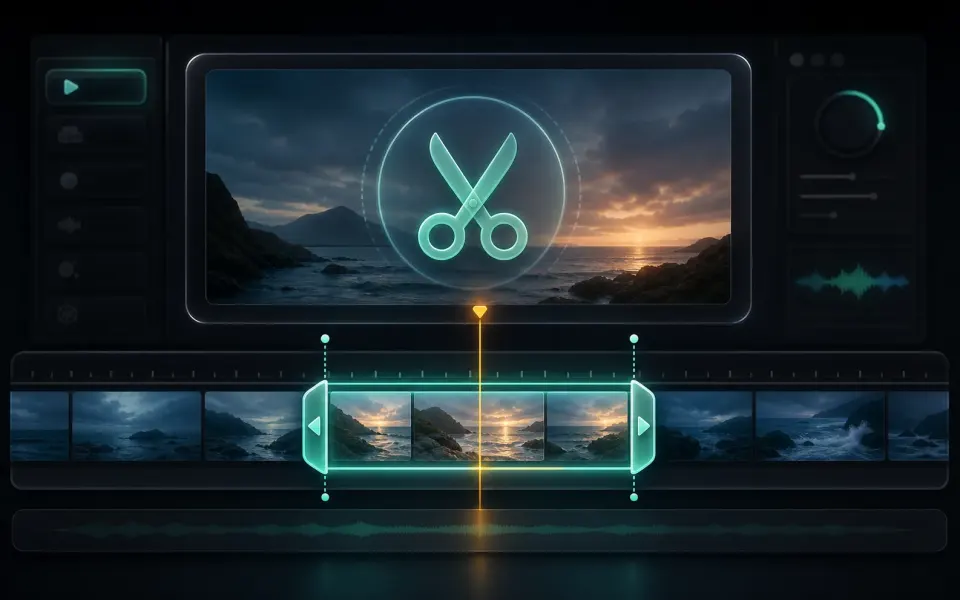
Select only the moment that communicates the action. Long clips multiply the number of frames and colors that must be stored, which can create an unexpectedly large download. A short loop is also easier for viewers to understand when it repeats automatically.
- Trim dead time before and after the useful action.
- Choose a loop point that does not create a distracting jump.
- Reduce dimensions when the GIF is meant for chat or documentation.
02
Know when MP4 is the better output
GIF has a limited color model and does not carry normal audio, while modern MP4 video usually delivers better color and much smaller files. Use GIF when automatic inline animation is required; use MP4 when the destination supports video and quality or download size matters.
- Expect gradients and photographic scenes to lose color detail.
- Use MP4 for long, high-resolution, or sound-dependent content.
- Preview the final loop at the size where it will be displayed.